Improve points and your summary with AI
Get reworded suggestions for a résumé point or your summary, pick the ones you like and apply them.
By the end of this article you have a stronger point or summary in your own résumé, chosen by you from AI suggestions.
AI uses credits and needs a verified email. See Understand credits and plans.
Improve a point
Open your résumé and select Experience (or Projects or Volunteering).
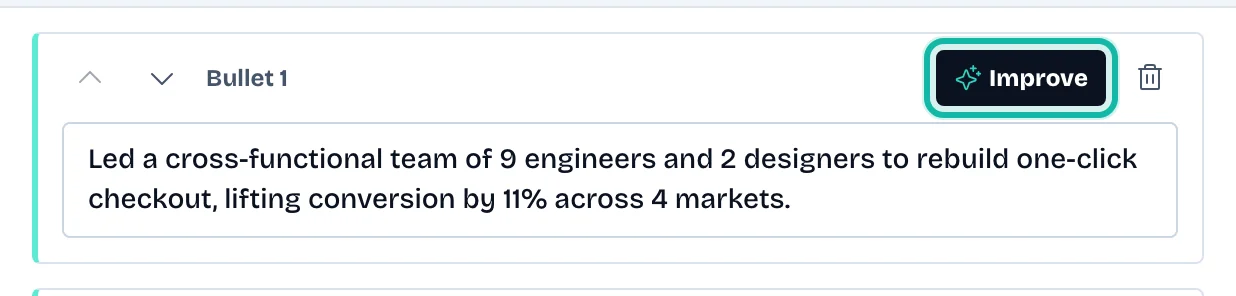
Open the entry. Next to a point, select Improve.
In AI suggestions, choose how to use them. The switch reads Replace target point or Add as new points.
Tick the suggestions you want. Select Edit under a suggestion to change its wording, then Done.
Select Apply, then Save Changes.
Select Regenerate for new options, or Cancel to keep your text.
Improve your summary
Select Professional summary.
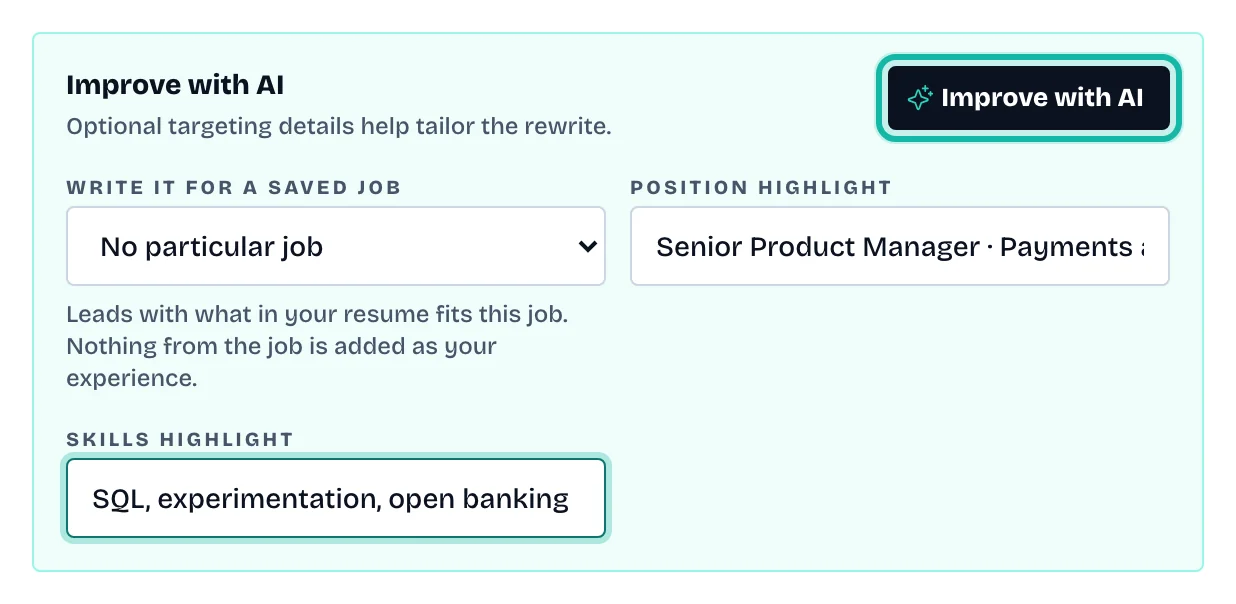
Under Improve with AI, optionally fill Position highlight and Skills highlight. If you saved jobs, choose one under Write it for a saved job to lead with what fits it. Nothing from the job is added as your experience.
Select Improve with AI.
Pick Replace current summary or Add as new paragraph, tick a suggestion, and select Apply.
Select Save Changes when you are ready.
What if…
The button says "Try another"? You already have suggestions. Select it for new ones.
It says AI rewrite is unavailable? Your credits are returned. Try again in a moment.
The wording is wrong or claims something untrue? Edit it before you apply. Only keep what you really did.
I want to check the whole résumé? See Review your résumé quality.