Accept or reject a coach's suggestions
Review your coach's comments and suggested changes, and apply only the ones you choose.
By the end of this article you have decided on each of your coach's comments and suggested changes. Your coach cannot change your résumé. A suggestion changes it only if you accept it, and the earlier version stays in your history.
Find what your coach left
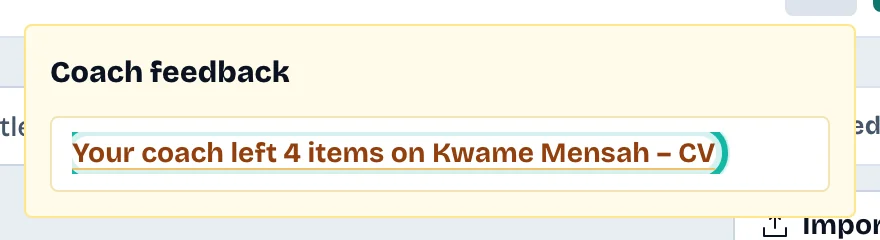
Look at the bell in the top bar. A line such as "Your coach left 2 items on" and your résumé's name appears. Select it to open the résumé.
In the editor header, select Coach suggestions. A number in brackets counts the open ones. The button shows on a tablet or computer.

Decide on each item
Read the card. A Suggested change shows Now and Suggested. A Comment shows your coach's text.
For a suggested change, select Accept to apply it, or Reject to leave your text as it is.
For a comment, select Dismiss.
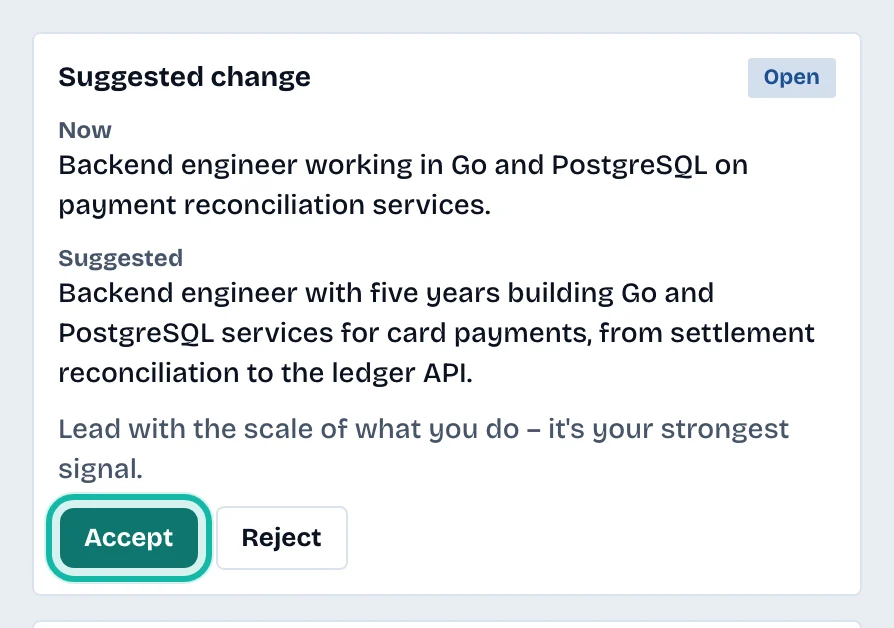
When you accept, the page reloads and shows the new version. Each card carries a badge: Open, Accepted, Rejected, Dismissed or Text changed.
What if…
The badge says "Text changed"? You edited that text after the suggestion was written, so it was not applied. The card shows how the text reads now. Copy the suggestion into your résumé by hand if you want it.
I accepted by mistake? Open History and restore the earlier version. See Restore an earlier version of a résumé.
The button is missing? It appears only when your coach left something on this résumé.