Add a candidate CV
Upload a candidate's PDF or Word file and have it read into an editable CV.
By the end the candidate's file is read into an editable CV, and you are looking at it ready to check.
Upload a CV
Select New CV in the left menu. You can also select New CV on the Candidates page.
In Candidate label, type your own reference, for example
Candidate 014.
Under CV file, select Choose a file and pick a PDF or Word (.docx) file up to 10 MB.
Tick the confirmation that you have the right to process this CV for recruitment.
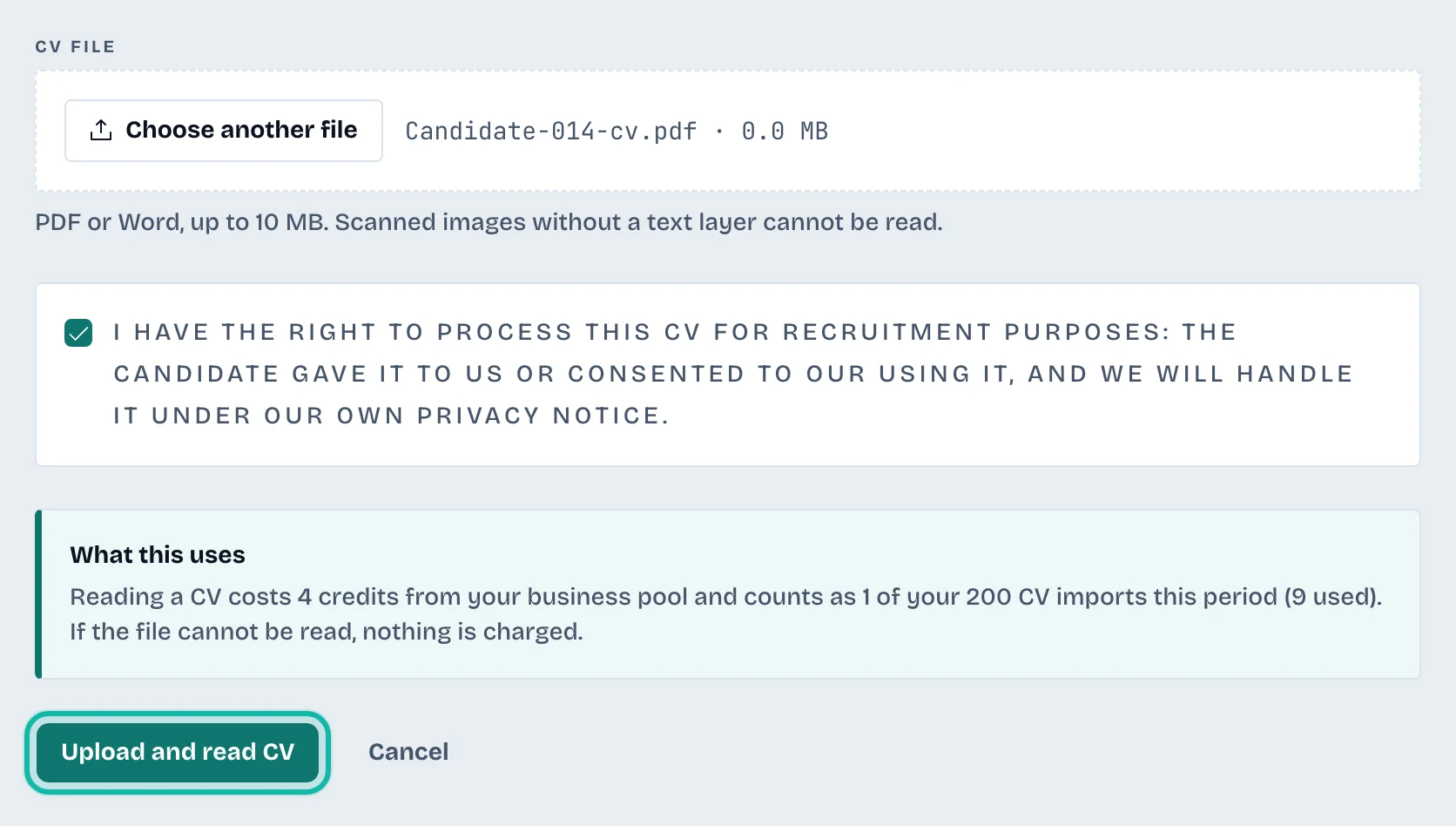
Select Upload and read CV.
A progress bar shows the upload, then Reading the CV, which can take up to a minute. When it finishes, the candidate opens in the candidate workspace.
What if…
The button is greyed out? It needs a label, a valid file and the ticked confirmation. A line under the form says what is missing.
It says the file cannot be read? Scanned images without a text layer cannot be read. Try another file or a text-based PDF. If the reading fails, nothing is charged.
The import allowance is used up? Your plan includes a number of CV imports each billing period. It renews with the next period, and the owner can add more under Billing. See Billing and your plan.
It says there is no active plan? The owner needs to start or renew the plan under Billing.